Presentation Skills Profile
Presenting in front of others can be intimidating. Many people fear technology failures, tough audience questions, and the pressure to perform. The Presentation Skills Profile (PSP) self-assessment, available online or in print format, helps participants overcome their fear of presenting by analyzing preparation and delivery styles, providing peer feedback, and offering a step-by-step guide to successful presentations. Empower your team with presentation skills training!
Overview
Overview
From small groups to large conferences, presenting can feel intimidating. Nerves, tech issues, and tough questions can quickly derail confidence. The Presentation Skills Profile is the presentation skills training you need – whether you're a seasoned or brand new professional – to overcome fear, build skills, and deliver presentations with impact.
This tool eases the stress of public speaking by analyzing how the participant prepares and delivers presentations, incorporating peer feedback on a specific presentation, and offering a walk-through of preparation and delivery for future presentations. The result? Presenters walk away more confident, prepared, and effective.
How It Works
How It Works
Presentation Skills Profile is built upon the Presentation Skills Model. Based on the influential works of Holcombe, Stein, and others, this model contains the six presentation questions that help individuals turn lackluster presentations into engaging dialogues with their audiences.
The presentation skills training assessment presents 48 statements regarding the preparation and delivery of presentations. In scoring the assessment, participants determine their overall presentation effectiveness score.
In addition, participants create a self-profile that shows strengths and areas of improvement (relating to the six questions of the Presentation Skills Model).
Feedback forms submitted by peers provide data to create a second – or "feedback" – profile. Finally, participants complete assessments for preparing and delivering a future presentation.
Learning Outcomes
Learning Outcomes
By the end of this presentation skills training, participants will be able to do the following:
- Identify and set presentation objectives
- Discover how to analyze and involve the audience
- Learn how to design and display effective visual aids
- Practice staging presentations
Uses and Applications
Presentation Skills Profile was designed for anyone who is called upon to prepare and deliver presentations get over their fear of presenting.
Those who require their audience to agree with a conclusion and/or course of action will particularly benefit from using the profile.
The self-assessment can be used to evaluate a specific presentation, measuring progress in preparing and delivering presentations.
As with most HRDQ tools, the Presentation Skills Profile is effective when used alone or as the centerpiece of a workshop or longer program on presentation skills training. The PSP model may be applied in the following types of presentations:
- Sales presentations (including presentations that require audiences to make a decision)
- Motivational speeches
- Coaching and training sessions
- Information briefings
- Entertainment
What to Order
What to Order
Facilitator Guide
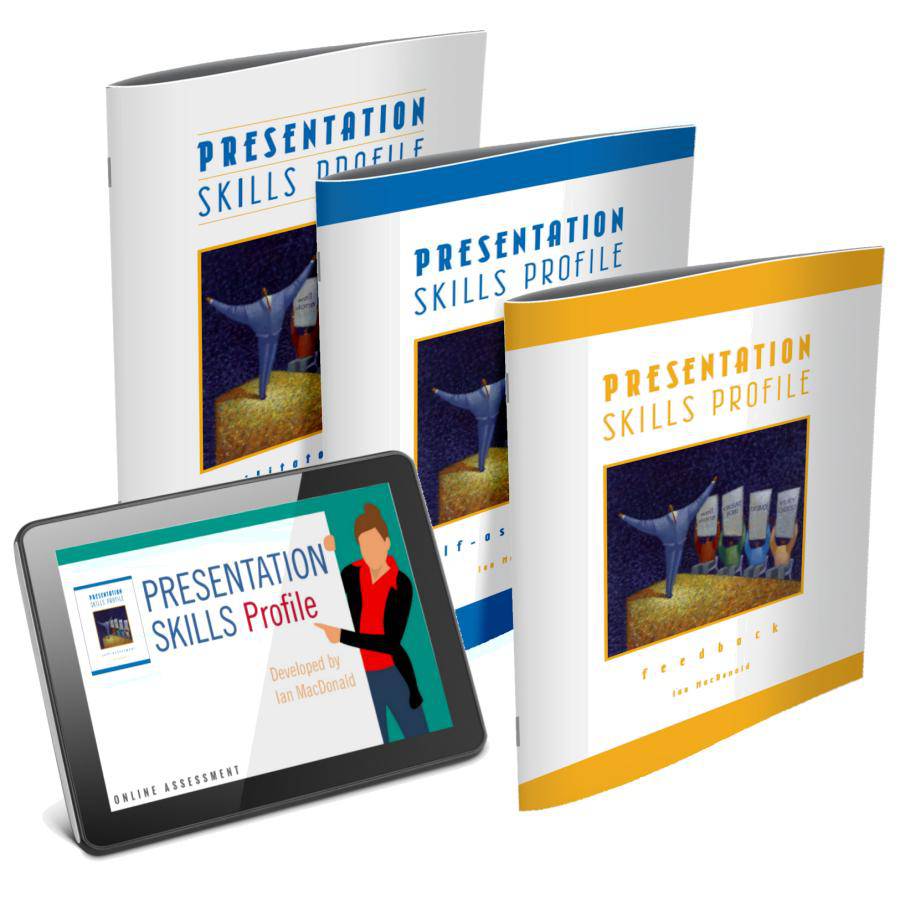
Order one guide per trainer. This detailed, step-by-step guide for planning and delivering a powerful learning experience gives you everything you need to facilitate a full-day workshop, including background information, assessment instructions, scripts, discussion questions, activities, a USB drive containing a PowerPoint presentation, poster, samples of the assessment, and an Observer Form. Facilitator support materials will be available to you as a digital download link in your order confirmation.
Paper Assessment 5-Pack
Order one pack for up to five participants. The print version is ideal for facilitators who prefer to oversee the scoring and administration of the assessment if you don't know who the participants will be before the class begins or if your learners do not have easy access to computers. It includes pressure-sensitive forms for scoring to aid manual tabulation.
Observer Form 5-Pack
Provide at least three forms per individual. The Observer Form is designed to check the accuracy of a coach’s perception by allowing the coach to see how their peers perceive their style.
Online Assessment Credit for Administrators
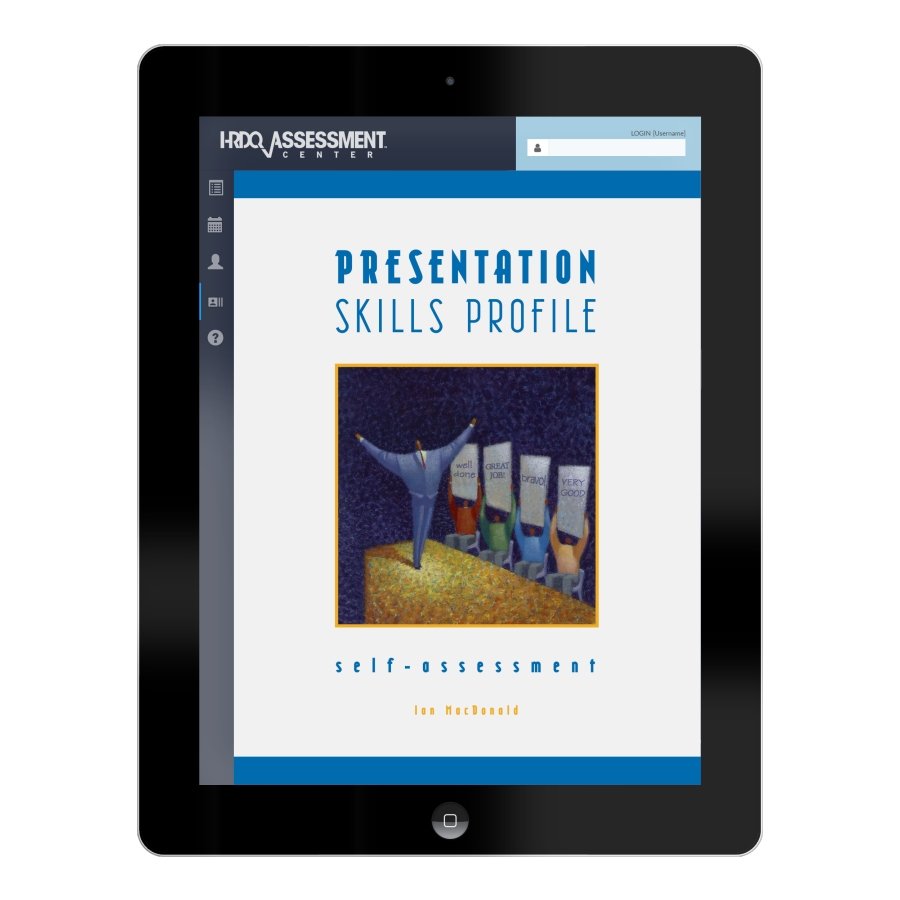
Order one per participant. You can purchase credits here for the online version of this assessment, which is administered to participants through the HRDQ Assessment Center and includes personalized reporting, full-color charts, interpretive information, worksheets, and action planning. A detailed report is delivered electronically to the facilitator/administrator when complete.
QuickStart Train-the-Trainer (QST)
QST is a convenient, one-hour virtual coaching session for first-time facilitators of this product. You'll receive personalized, one-on-one coaching with a subject matter expert who will get you up to speed quickly and accurately so you can step into the onsite with confidence. We'll answer all your questions about the facilitation of the product. And you can add additional coaching hours as needed. Your coaching session can be provided by telephone or video call and at a time of your choosing.
Facilitators will also receive an HRDQ Certificate of Completion for completing the QuickStart session.
Author Info
Author Info
Ian MacDonald leads various management education programs at the International Business School and ESSCA School of Management in Budapest, Hungary. He is also a senior consultant with Human Telex Consulting, the Budapest-based distributor of HRDQ learning materials. Ian has previously held positions with Alexander Proudfoot International, an international management consulting firm, and with Shin-Etsu Handotai, the world's largest manufacturer of semiconductor materials. He is currently completing a Ph.D. in communication at Eötvös Loránd University.
Focus: Communication and Selling Skills
Type: Self-assessment
Delivery: Virtual and/or In-Person
LENGTH: 1 to 1.5 hours
Share

HRDQ Assessment Center Info

Online assessments are administered to participants through the HRDQ Assessment Center and include personalized reporting, full-color charts, interpretive information, worksheets, and action planning. Join the thousands of HRDQ online learners today!
- Administrators: Order credits on your Admin dashboard
- New Trainers: Get an Admin account
- Students: Self-enroll without an Admin
- Questions: If you have any issues, contact us